Your outfit photos can become your wardrobe.
That mirror photo from last week already shows clothes you own. Choose a clear photo, review the pieces Outfits finds, and keep the ones you want to wear again.
Join the waitlist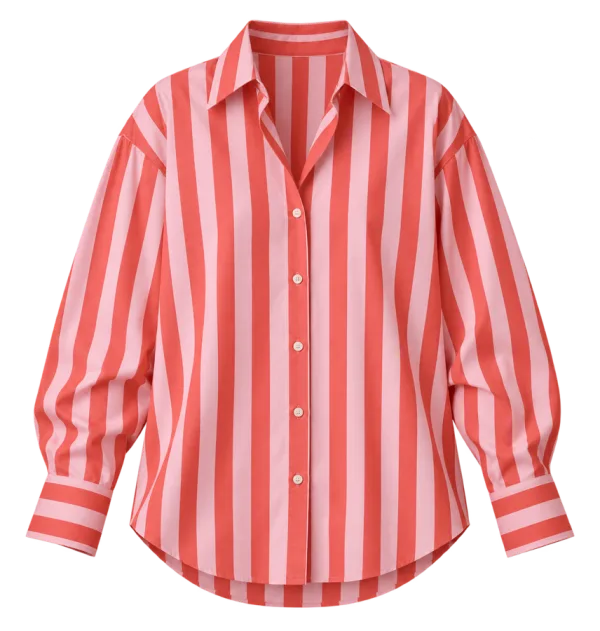
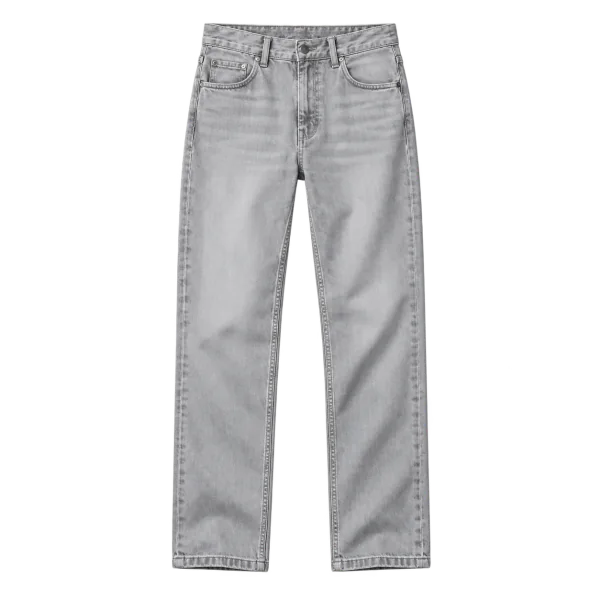
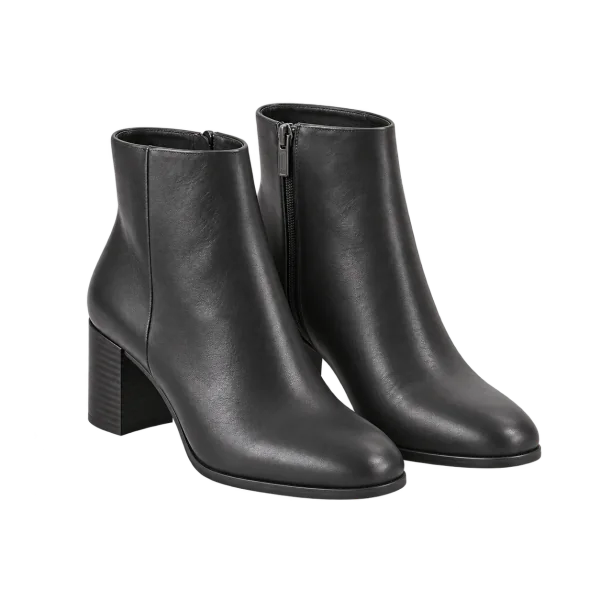
The first pieces might already be in your camera roll.
You do not need to photograph every hanger. Choose an outfit photo you already have, check the visible clothes Outfits finds, and keep the useful pieces.

From one photo to pieces you can use.
Outfits processes selected outfit photos online, finds visible garments, and prepares individual clothing images. You review each suggestion before it joins your wardrobe. Covered or unclear clothes may need a better photo.
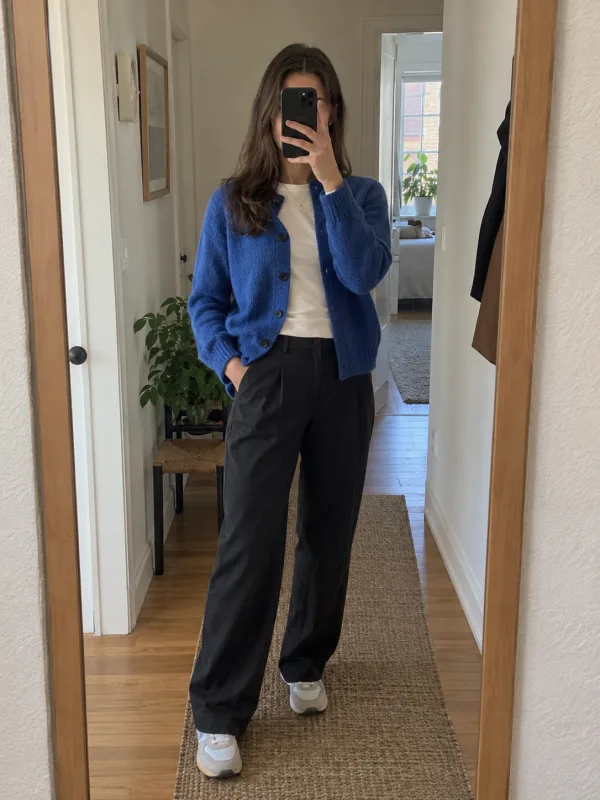
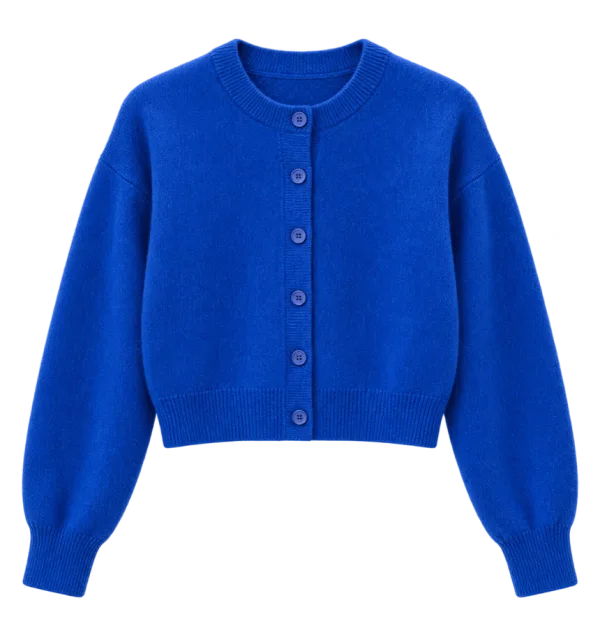
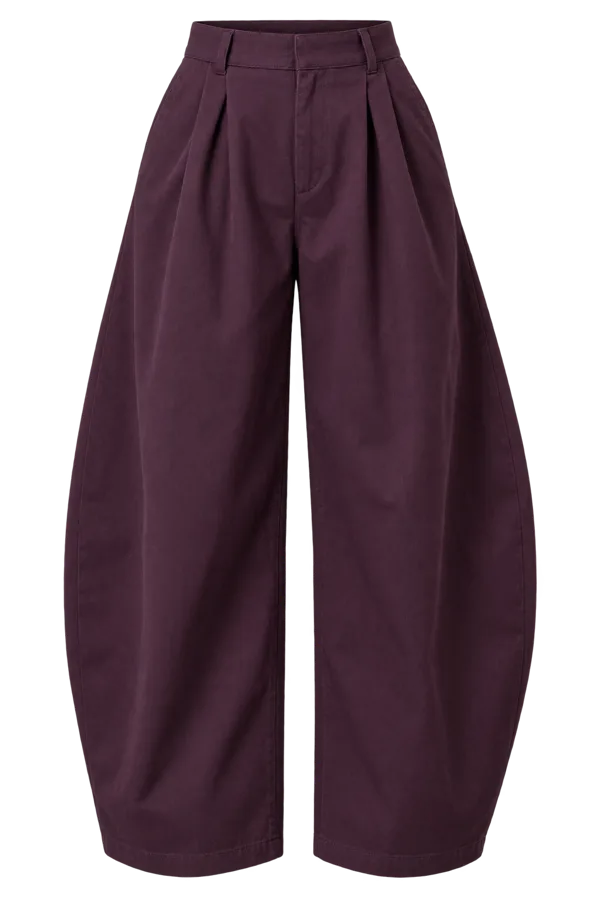
2. Review each visible piece
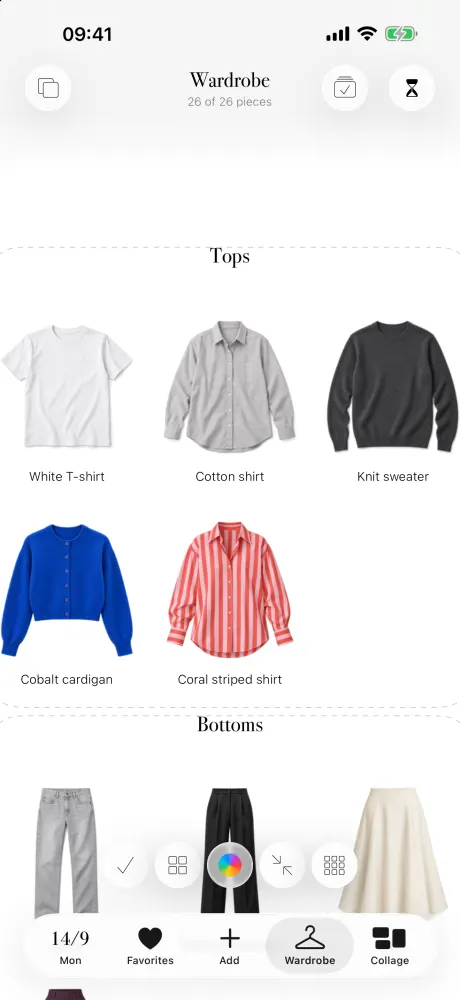
Make it work with your clothes.
You stay in control of what is saved. Photo processing is online; read the privacy policy before uploading personal images.
- Select an outfit photo you are comfortable uploading for online processing.
- Check the suggested garment image, name and category; save or discard each piece.
- Use saved clothes to make combinations and plan them on the calendar.
Good to know.
Do I need a separate product photo of every item?
No. You can begin with selected outfit photos. Garments must be visible enough to identify, and some may need a clearer photo.
Are my outfit photos processed only on my phone?
No. Selected photos are processed online through the Outfits service and OpenAI after you consent.