A wardrobe you can actually see.
Start with an outfit photo you already have. Find the clothes in it, make a new look from what you own, and put tomorrow’s outfit on the calendar.

-
Start with an outfit photo.
Choose a clear photo where the clothes you want to keep are visible. You can begin with a photo you already took; you do not need to photograph every item separately.
How to add clothes
-
Review what it finds.
Outfits proposes the visible pieces. Check their names and images, keep the useful ones, and add a clearer photo when a garment is covered or hard to see.
How wardrobe review works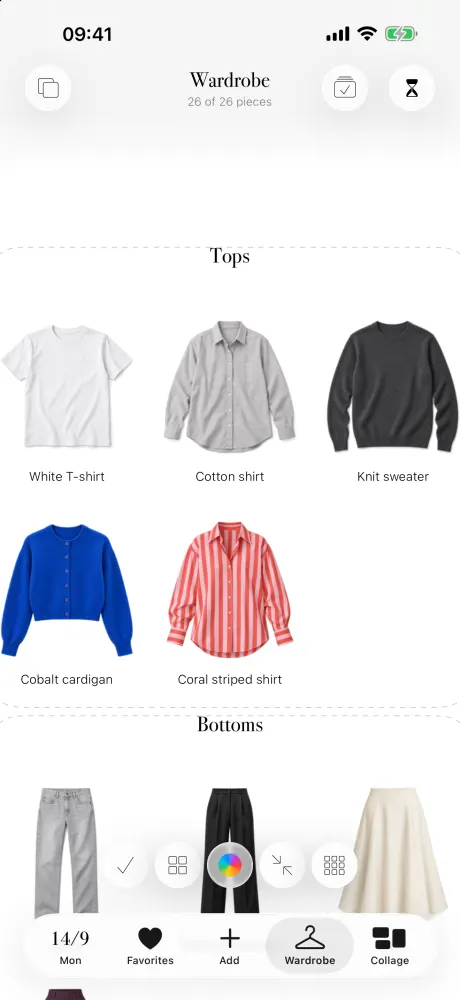
-
Try a new combination.
Swipe through your own tops, bottoms, layers, shoes and accessories. Save a combination you love as a favorite so you can wear it again.
How to combine clothes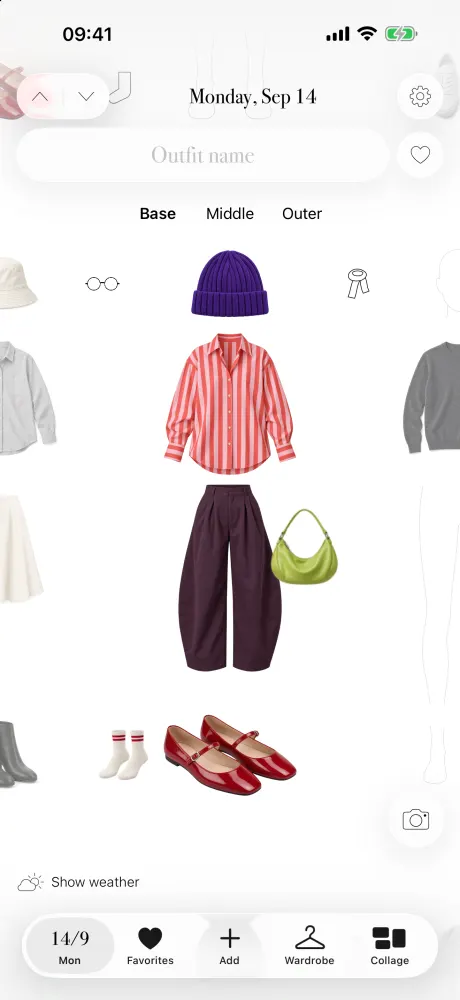
-
Know what you will wear tomorrow.
Put an outfit on a date, see planned looks across the month, and reuse a favorite on another day. The decisions stay yours.
How the calendar works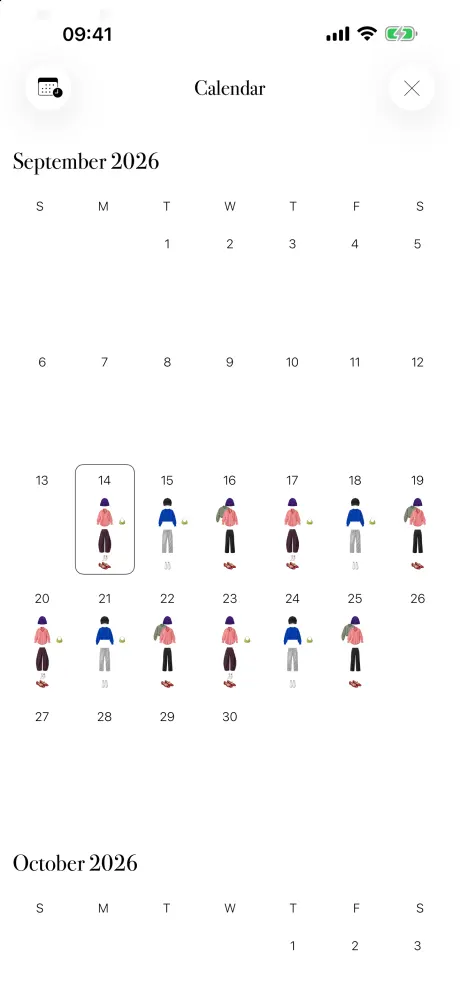
Useful to know before you start.
Visible clothes, not guesses.
A covered or unclear garment may need another photo. You review the pieces before relying on them.
Your outfits, your choices.
Outfits is a visual outfit planner. It does not automatically recommend looks or simulate how clothes fit your body.
A subscription after the preview.
The sample walkthrough is free. Main app features require an active subscription once the iPhone app is available.
The next outfit might already be yours.
See what you own before you decide what to wear next.